GET STARTEDPROVING GROUND DEMO
Proving Ground demo
Open the demo
Section titled “Open the demo”- In the Content Browser, open Settings and tick Plugin Content.
- Go to Plugins › Crushform Content › ProvingGround › Maps and open Lvl_ProvingGround.
- Press Play.
The map sets its own game mode, BP_VehicleAdvGameMode, with BP_VehicleAdvSedan as the car you drive.
The sedan uses the plugin’s input actions. On the keyboard, W accelerates, S brakes, A and D steer, Space is the handbrake, Tab switches the camera and L switches the headlights. Backspace resets the car (IA_Reset). The arrow keys also work, and the mouse looks around. A gamepad works with the same actions.
What is on the map
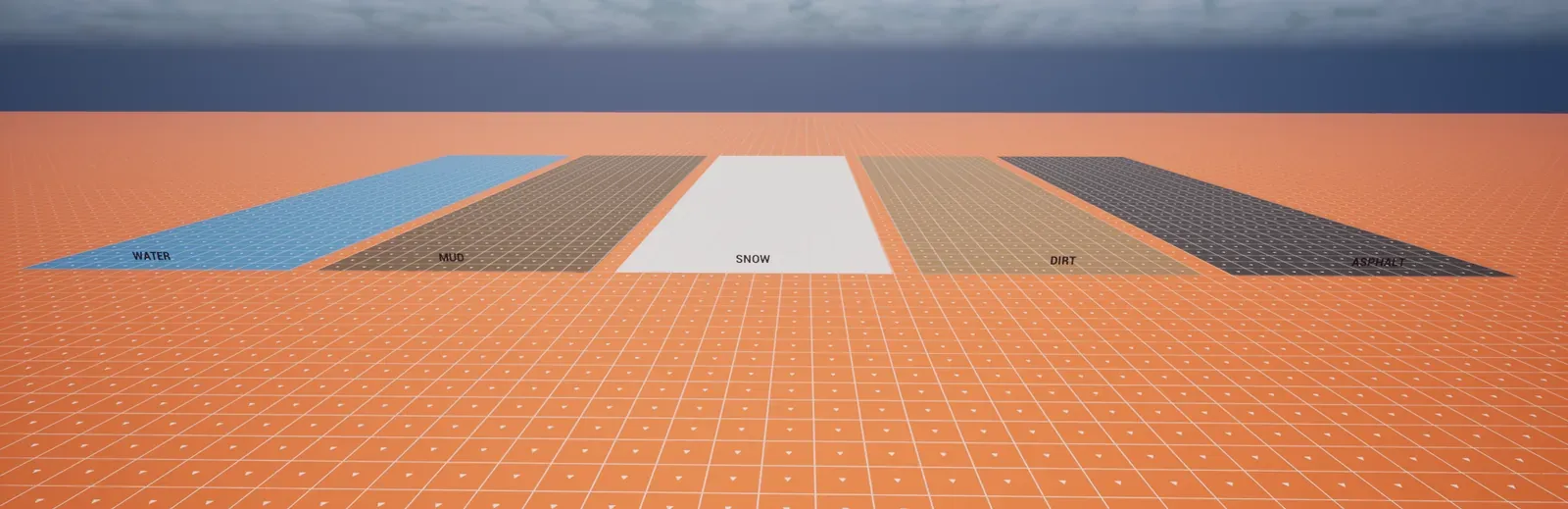
Section titled “What is on the map”The map has five surface strips, a row of parked sedans and three areas. The areas have no signs with their names; the names here are this guide’s. The strips are labelled ASPHALT, DIRT, SNOW, MUD and WATER, and the stunt park is labelled LOOP, MEGA RAMP and GRINDER. Machine alley and the junk yard have no labels.
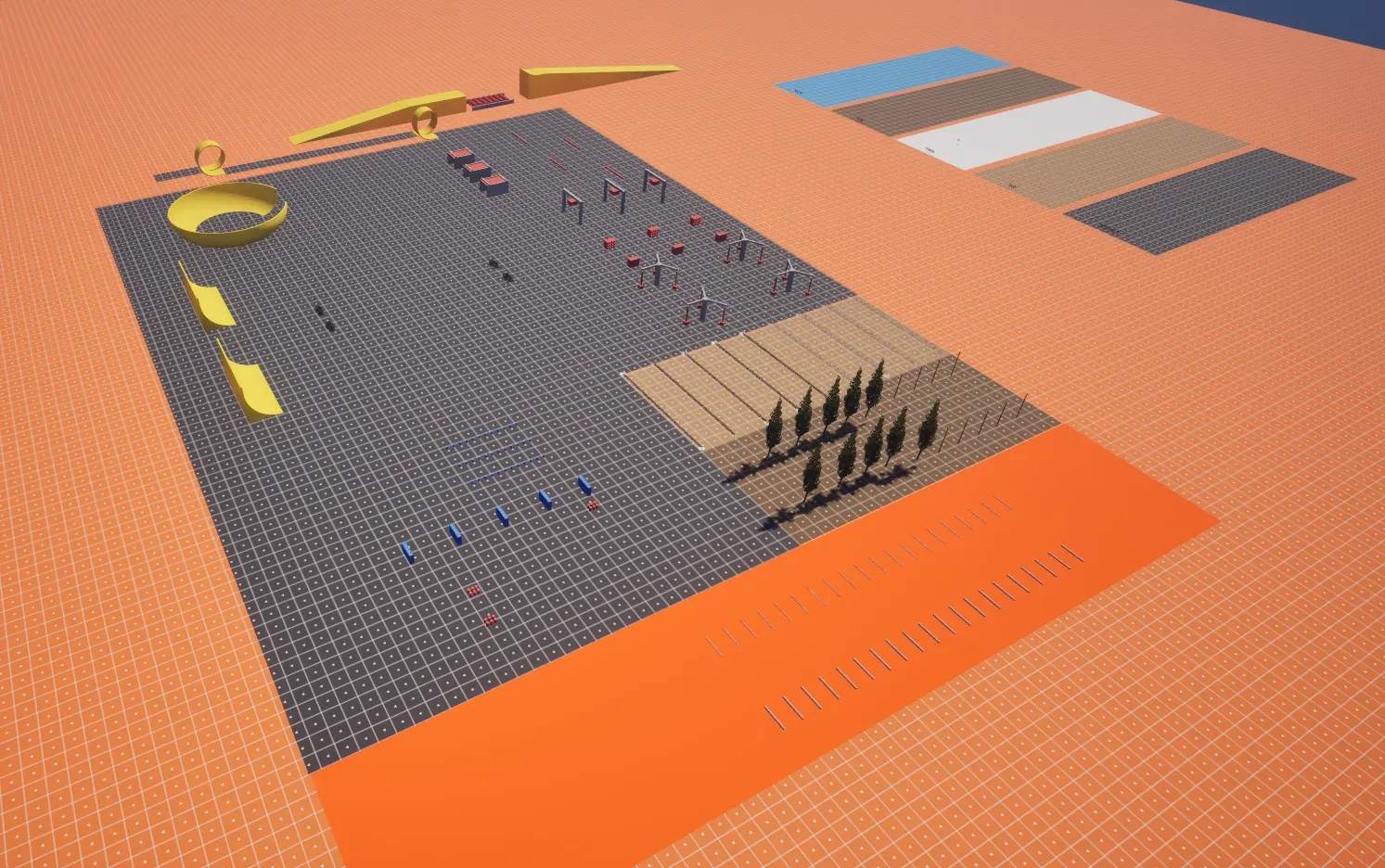
Surfaces. Five strips, each on its own physical material: ASPHALT (PM_CF_Asphalt), DIRT (PM_CF_Dirt), SNOW (PM_CF_Snow), MUD (PM_CF_Mud) and WATER (PM_CF_Water). The map also has trees, poles and fences (BP_CF_Tree, BP_CF_Pole, BP_CF_FenceChainLink and BP_CF_FencePicket). Crushform fells the trees, bends the poles and breaks the fences when they are hit. Four parked sedans stand in the car row.
Machine alley: a straight road, 14 m wide, with five mechanisms one after another. Each runs on its own cycle, so you can drive past when the timing allows it.
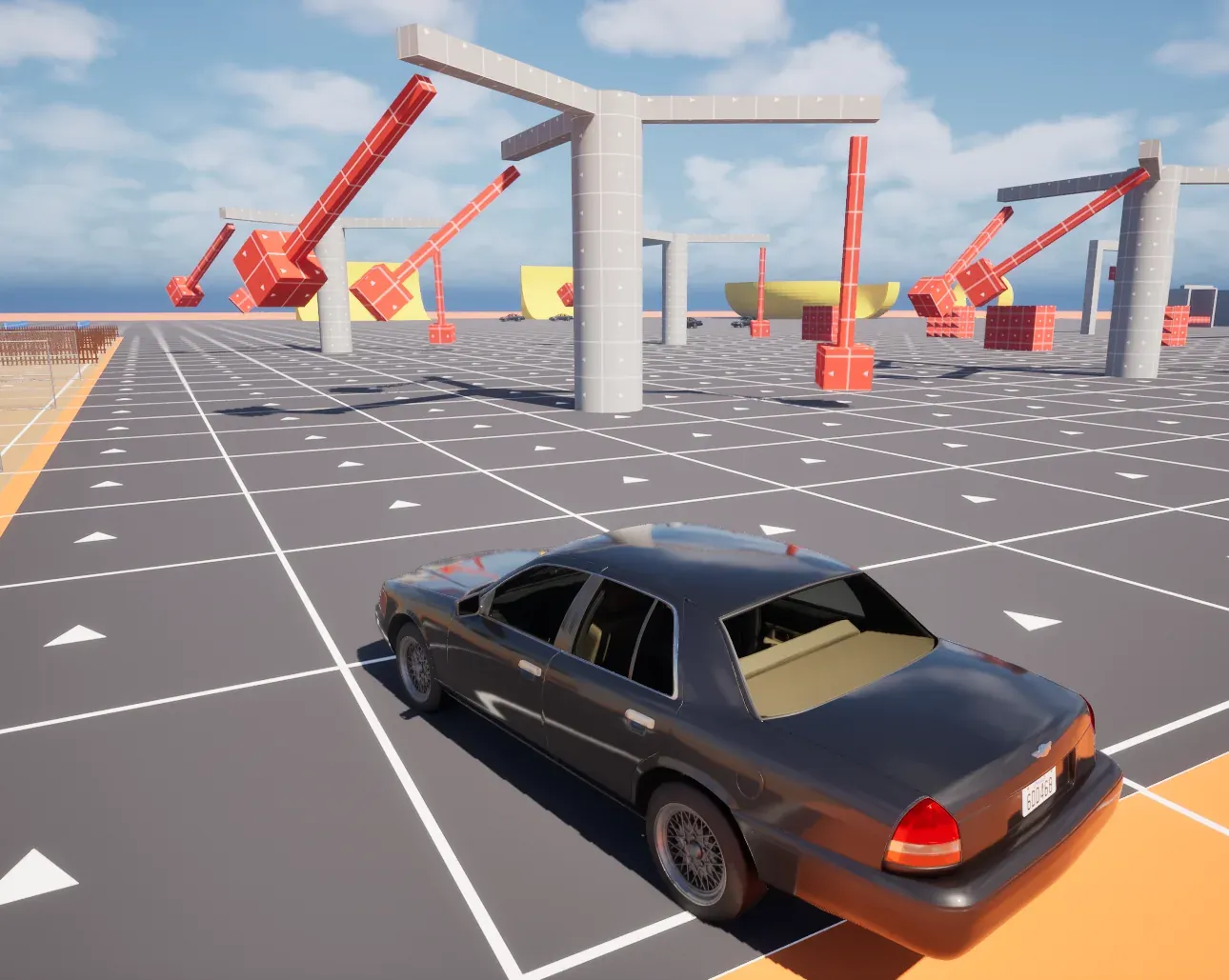
- Slam gates: two spike blocks close on the road from both sides, then open again.
- Drop hammers: three heavy blocks on a gantry across the road. They drop, hold and rise, each one two seconds behind the last.
- Sweepers: four spinning bars at the side of the road. Neighbouring bars turn in opposite directions.
- Crusher: a slab presses down between two walls.
- Hammer mill: three hammers on swinging arms around a central hub.
Stunt park:
- LOOP: two loops, a runway into them and an exit to the side.
- Wall of death: a curved bowl, entered through a gap in its ring.
- MEGA RAMP and GRINDER: a ramp up to a deck with a kicker. Past the deck, seven spinning rollers sit in the gap before the landing deck.
- Vert ramp: a ramp that curves up into a vertical wall.
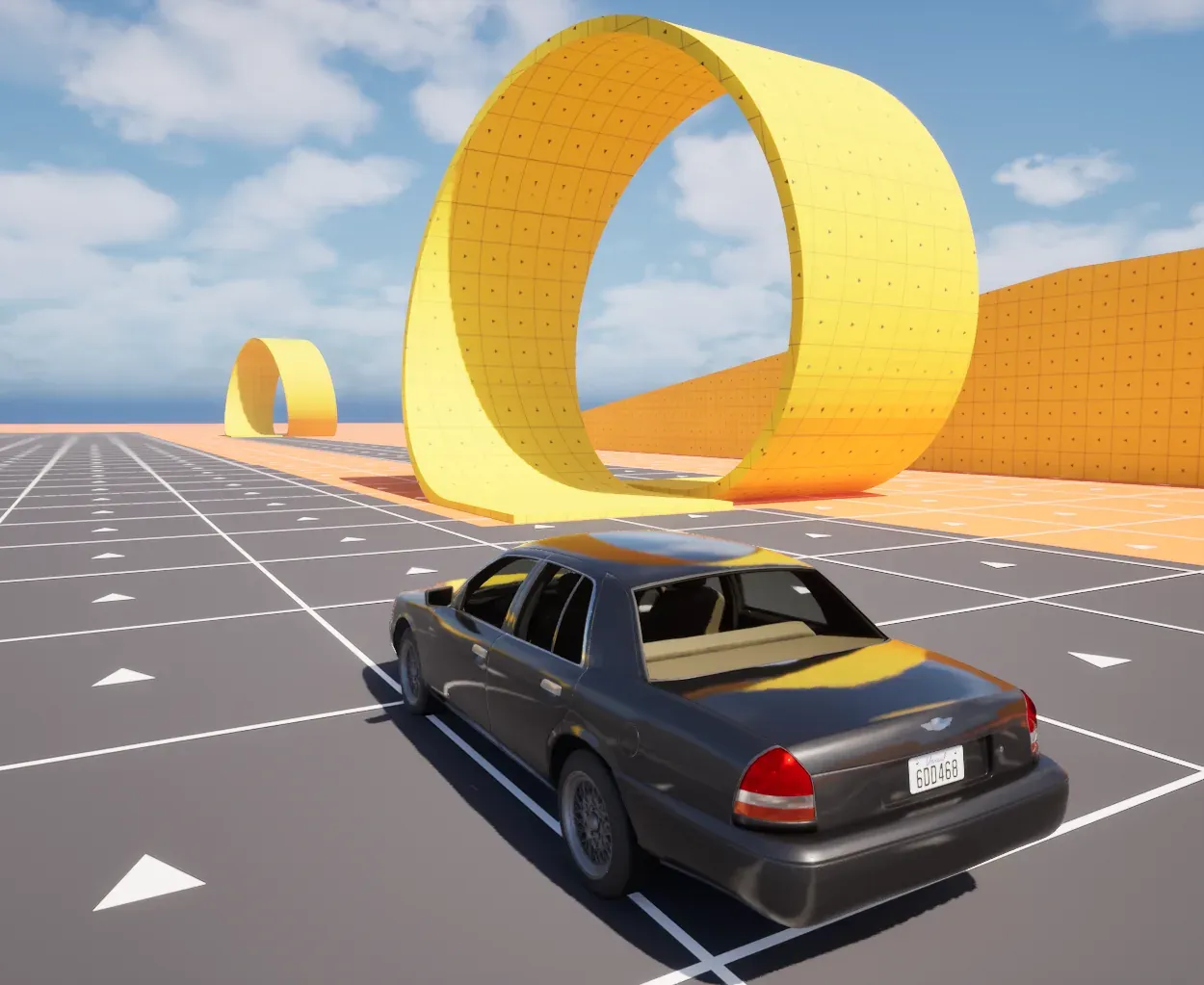
Junk yard: several crate stacks, tyre stacks and a block of barrels. They are physics bodies, so the car pushes them around. Bumps are two rows of static speed bumps, small and big.
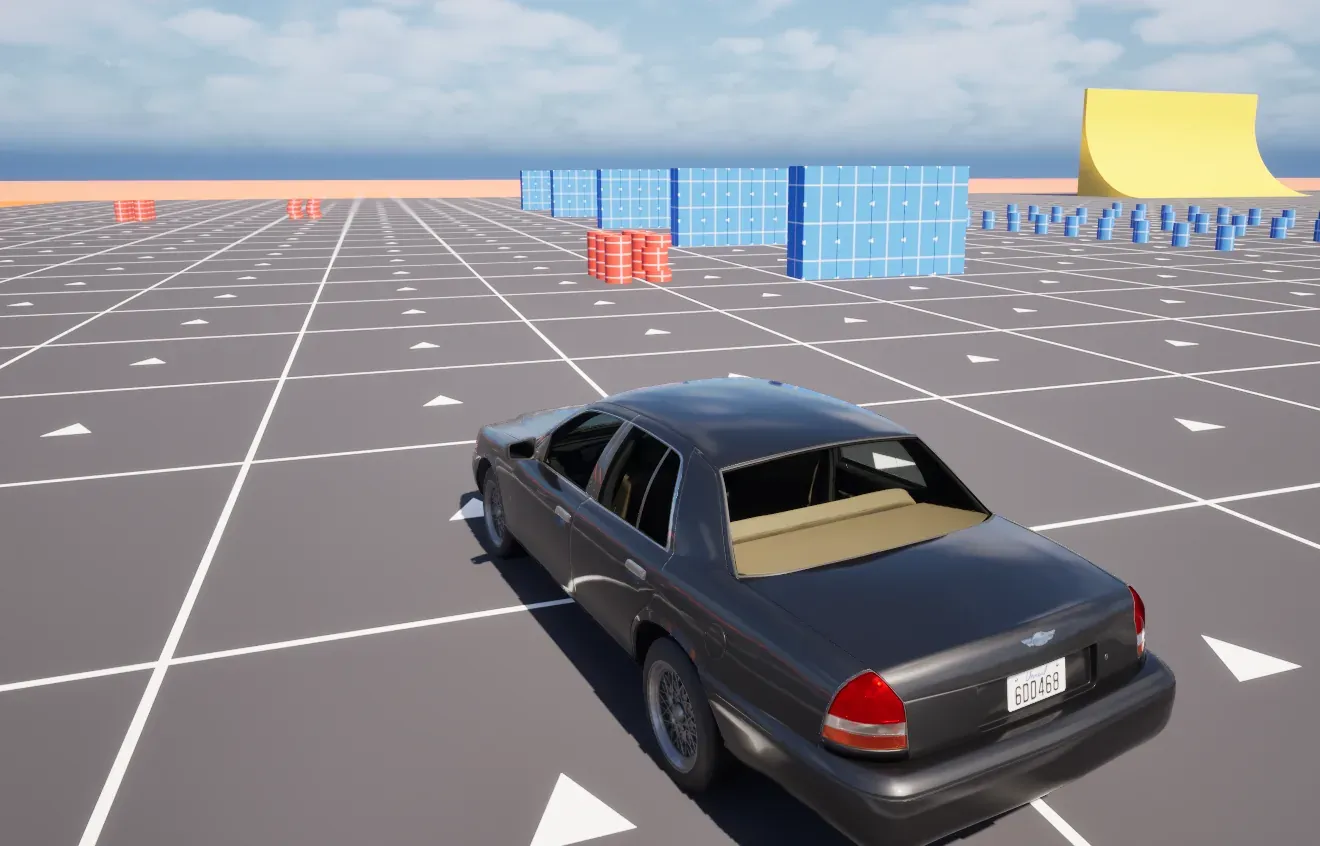
The moving parts are physics bodies held by a drive with a force limit. A part that a car blocks stalls and catches up when the way clears. Their timing comes from the server clock, so every player sees the same phase.
Dent, dirty and repair
Section titled “Dent, dirty and repair”The commands below are not in Shipping builds: they work in the editor and in every other build.
Crushform.DebugModeturns the debug mode on and off: a free camera and a menu of tools to dent, dirty, wash, repair and reset bodies and props. On the proving ground, key 1 runs it; elsewhere, type it in the console.Crushform.DebugImpacthits a damageable car up to 100 m away. The arguments are the speed change in m/s (default 10) and, optionally, part of the actor’s name. Without a name, it hits the damageable car in the middle of your view. It never hits the car you drive: its trace skips your own car. So aim your view at a parked car, or name one. For example,Crushform.DebugImpact 18 BP_VehicleAdvSedan2, where BP_VehicleAdvSedan2 is the car’s name in the World Outliner, hits the parked car whose name contains that text, at the point of its body nearest its middle, from your camera.Crushform.RepairAllstraightens every damageable actor that this machine holds. Run it on the server to repair the cars for every player. On the proving ground, key 2 runs it.Crushform.WashAllwashes the dirt off every damageable actor that this machine holds; the dents stay. Run it on the server to wash the cars for every player. On the proving ground, key 3 runs it.Crushform.Debug 1draws the damage lattice: the damaged nodes and the beams between them.Crushform.ShowZones 1draws the stiffness zones of each body. The plugin’s sedan ships without zones, so the command draws nothing on it until you add some; see Soft zones.
Use the sedan in your project
Section titled “Use the sedan in your project”BP_VehicleAdvSedan is the plugin’s sample car. Its folder in the plugin’s content holds its materials, glass, doors and the DA_CF_Profile_Sedan profile, and the blueprint carries a Crushform Chaos Vehicle Adapter component. Use it as a model. Copy the sedan into your project and change the copy, not the plugin’s folder.
Check that it works
Section titled “Check that it works”Drive the sedan into something solid, such as a wall or a fence. The body should dent where it was hit. Then run Crushform.Stats in the console to print what Crushform tracks in the world.